
Filter Data from a Quickie Stat
1. Filter Data from a Quickie Stat
You can filter values from the Quickie Stat to eliminate unwanted data points. Once a data point is removed, the table will update its values to reflect this change.
2 Filtering Values
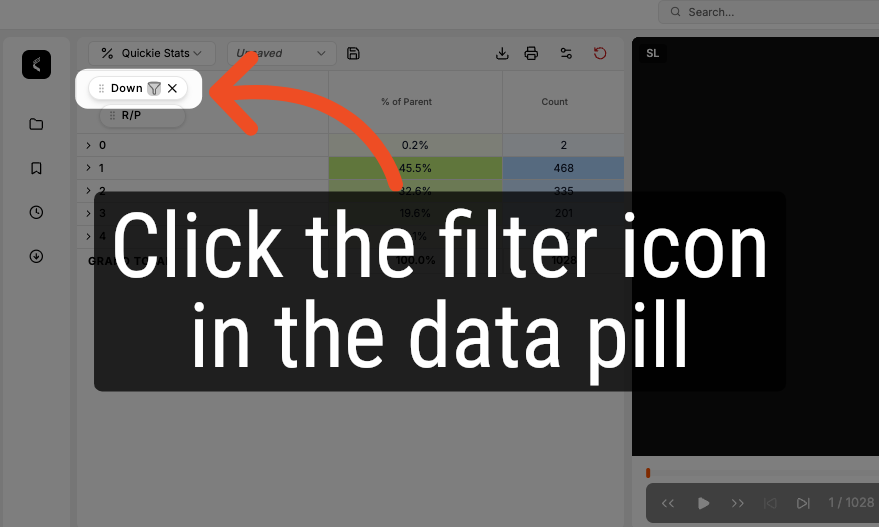
Filter values from your Quickie Stat by clicking on the filter icon within each data pill.
3. Choosing Values to Filter
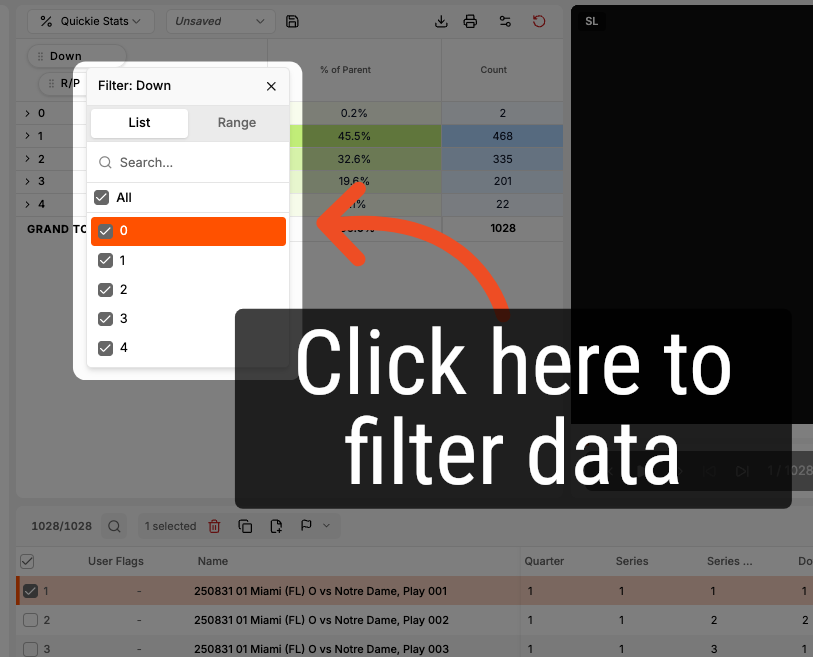
After opening the dropdown, select which values you'd like to remove.
Comments
0 comments
Please sign in to leave a comment.