
Building a Quickie Stat from the Playlist
1. Build a Quickie Stat from the Playlist
The first way to build a Quickie Stat is by dragging and dropping list columns into the Quickie Stat window.
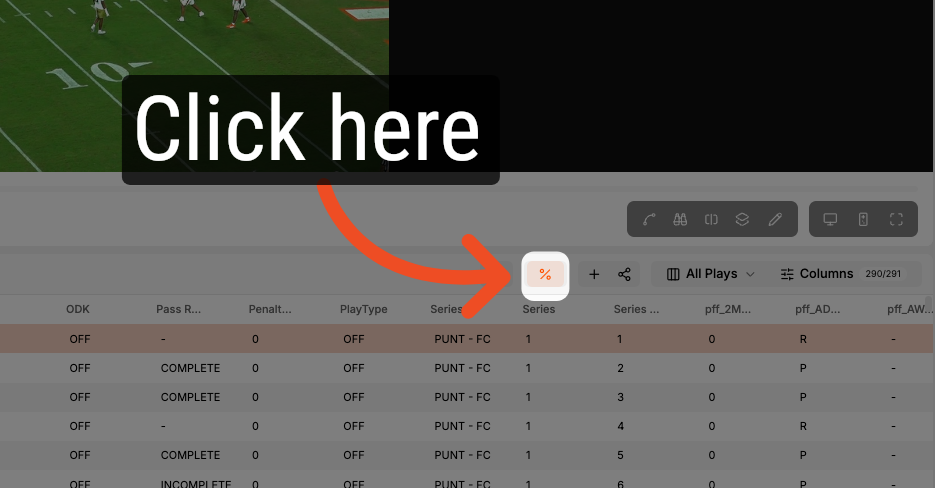
2. Opening the Quickie Stat Window
With a list open, click the percent icon to access the Quickie Stat window.
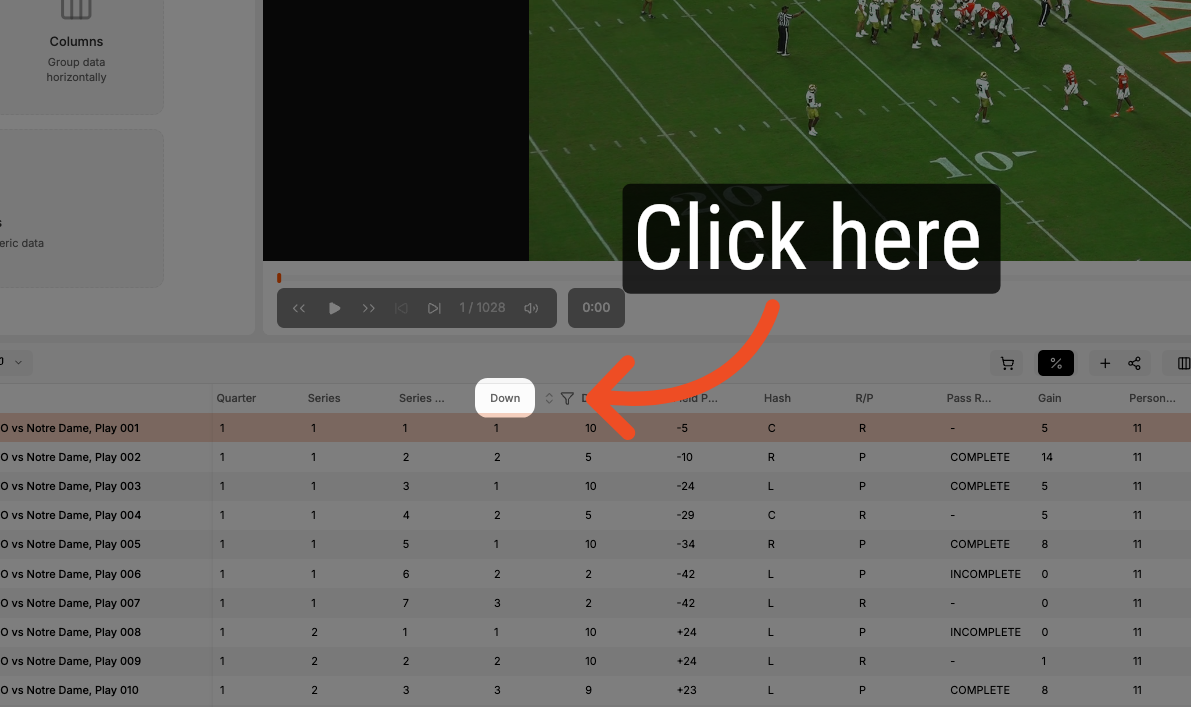
3. Select a Column Header
Start building your Quickie Stat by clicking on a column header and dragging it into the Quickie Stat window.
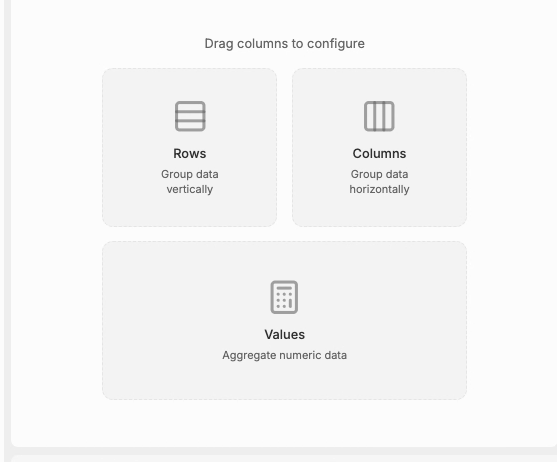
4. Building Rows
Add the column to the Row drop zone to begin adding to your Quickie Stat.
5. Add a Second Level
Click and drag a second column heading and add it in the Row drop zone to build a multi-level Quickie Stat.
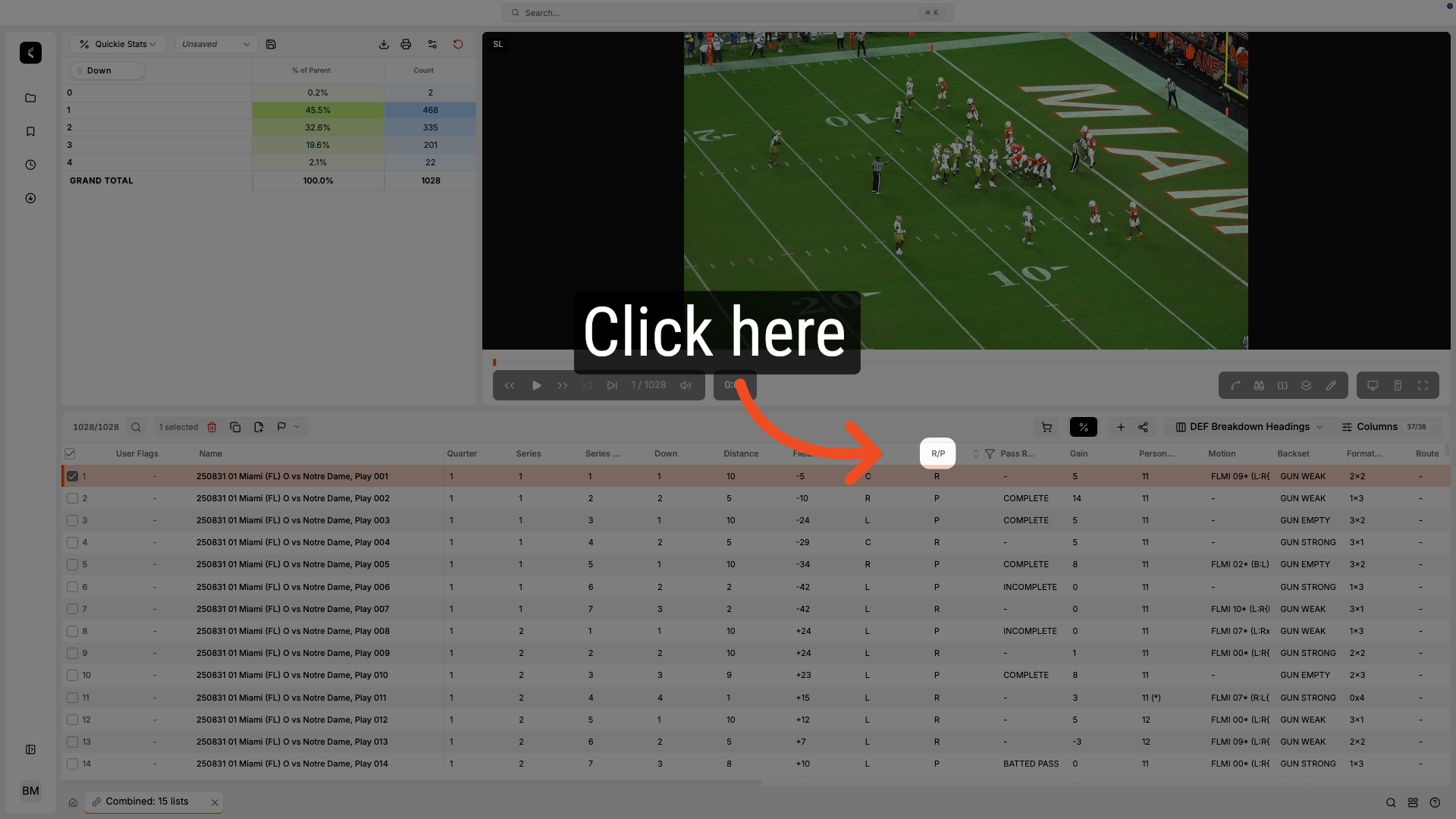
6. Dragging a Second Stat
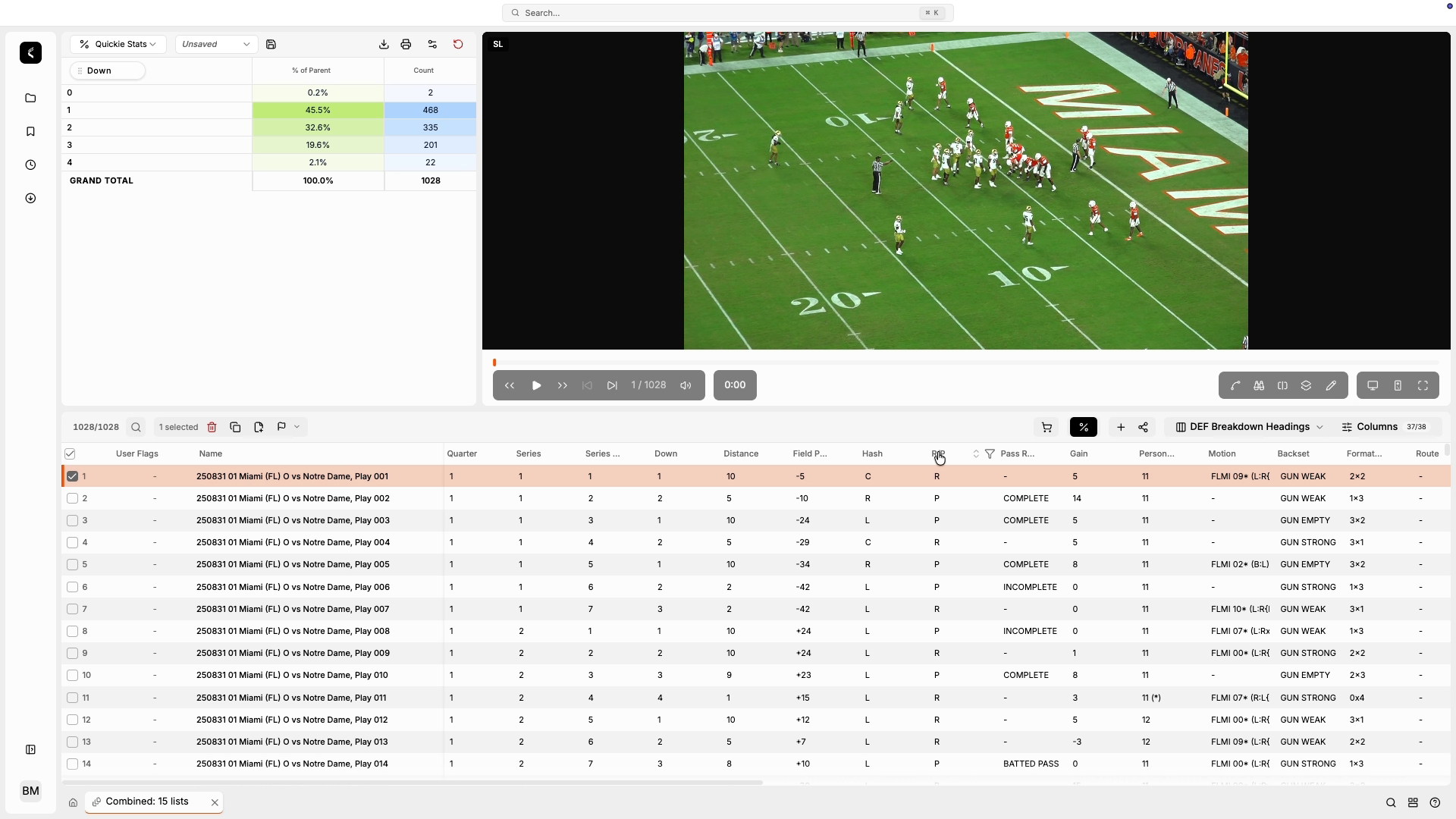
7. Expand Rows
Click on the arrow icon to expand or collapse a row within the Quickie Stat table.
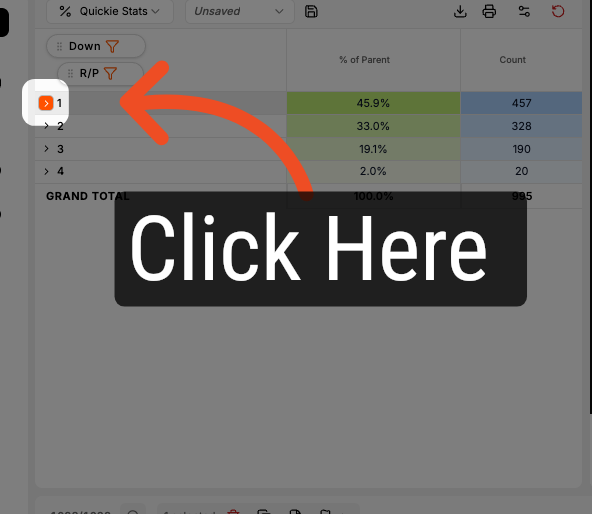
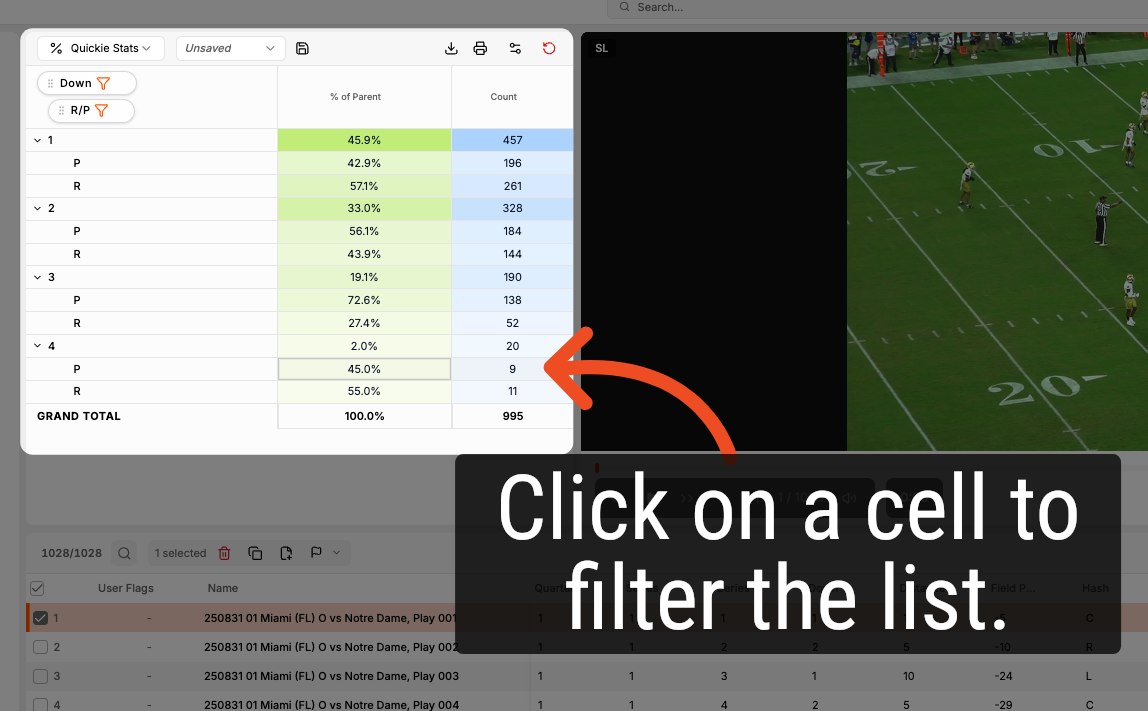
8. Single Click on a Cell to Filter the Playlist
Single click on a cell to filter the playlist to the plays referenced in the cell.
Comments
0 comments
Please sign in to leave a comment.