
Sorting in Hub Pro
1. Sorting Options
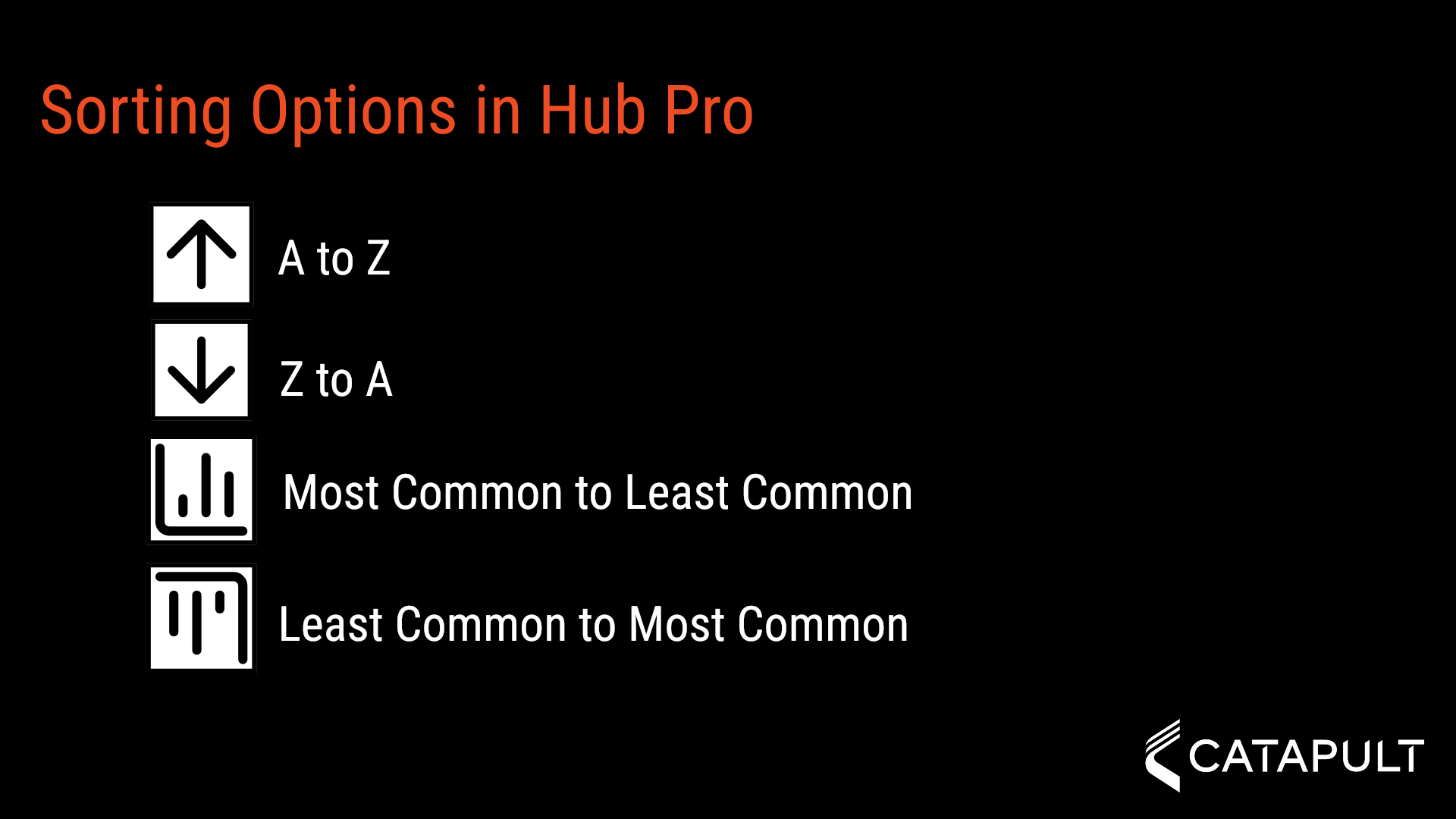
Hub Pro allows you to use four sorting options. A to Z, Z to A, Most Common to Least Common, and Least Common to Most Common
2. Starting a Column Sort
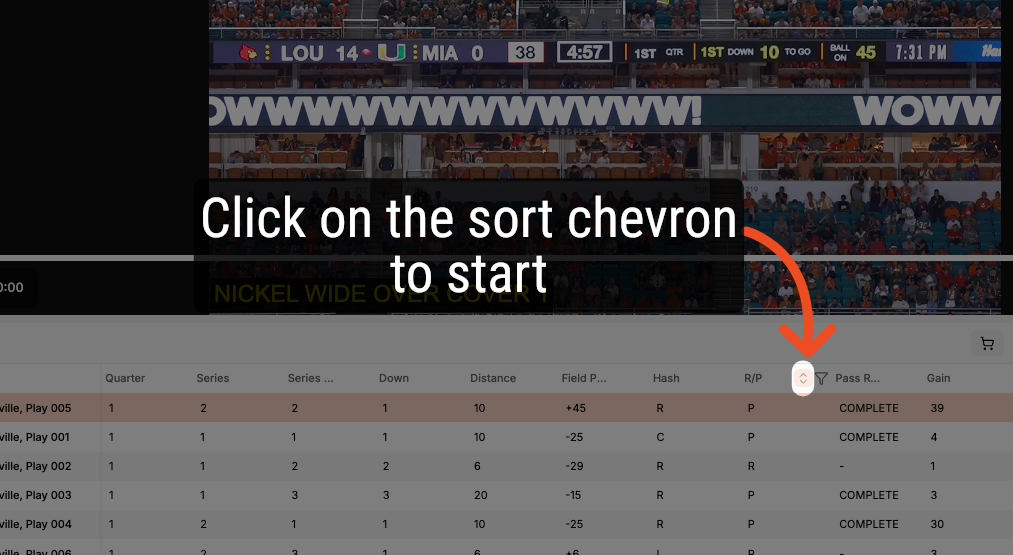
Hover over a column to show the sort chevron.
3. Single Click to Cycle through Sort Options
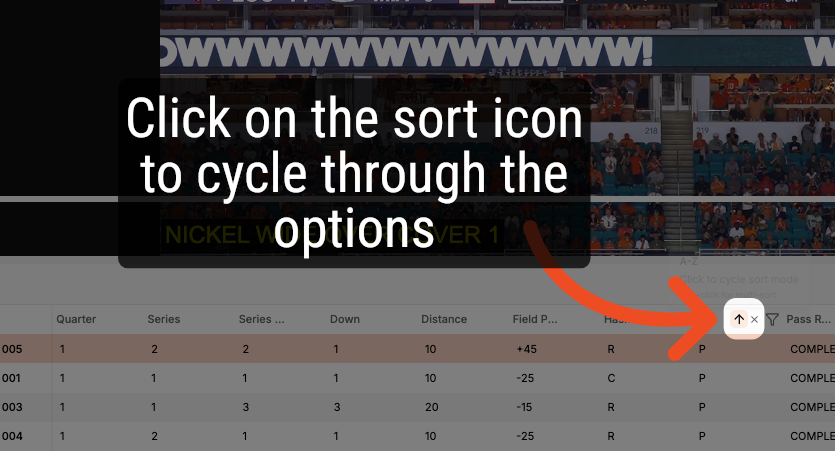
Click on the chevron icon to start the sort process. Each click will move through the four available sorting options. The fifth click will clear the column sort.
4. Multi-Column Sorts
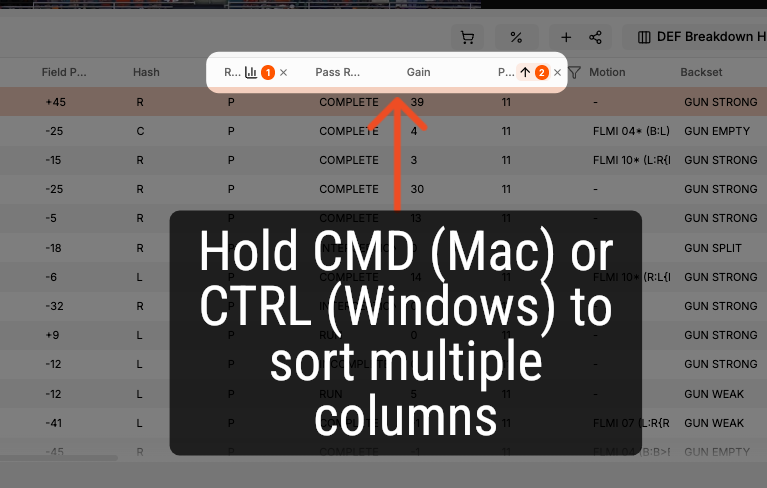
You can sort multiple columns at one time. Hold CMD on Mac or CTRL on Windows and click on the sort option. A number badge will appear to let you know the column sort order.
5. Clearing Sorts
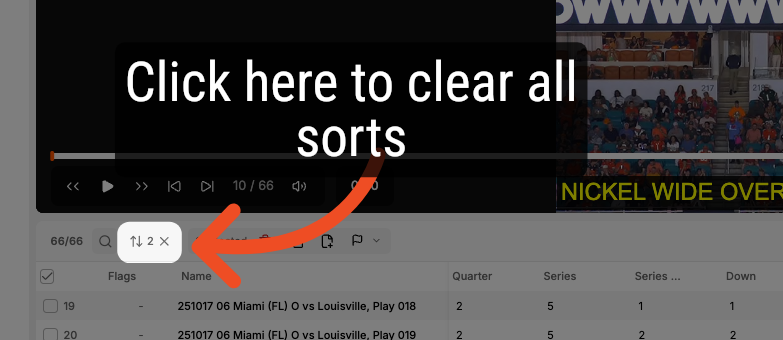
You can clear all of your column sorts by clicking on the Clear Sorts icon on the left side of the toolbar.
Comments
0 comments
Please sign in to leave a comment.