
Accessing Your Account
Logging In
To access Hub Pro, enter your Thundercloud username and password on the login screen.
This overview will show you how to log into Hub Pro.
1. Introduction
After launching the app, you'll be taking to the login screen.

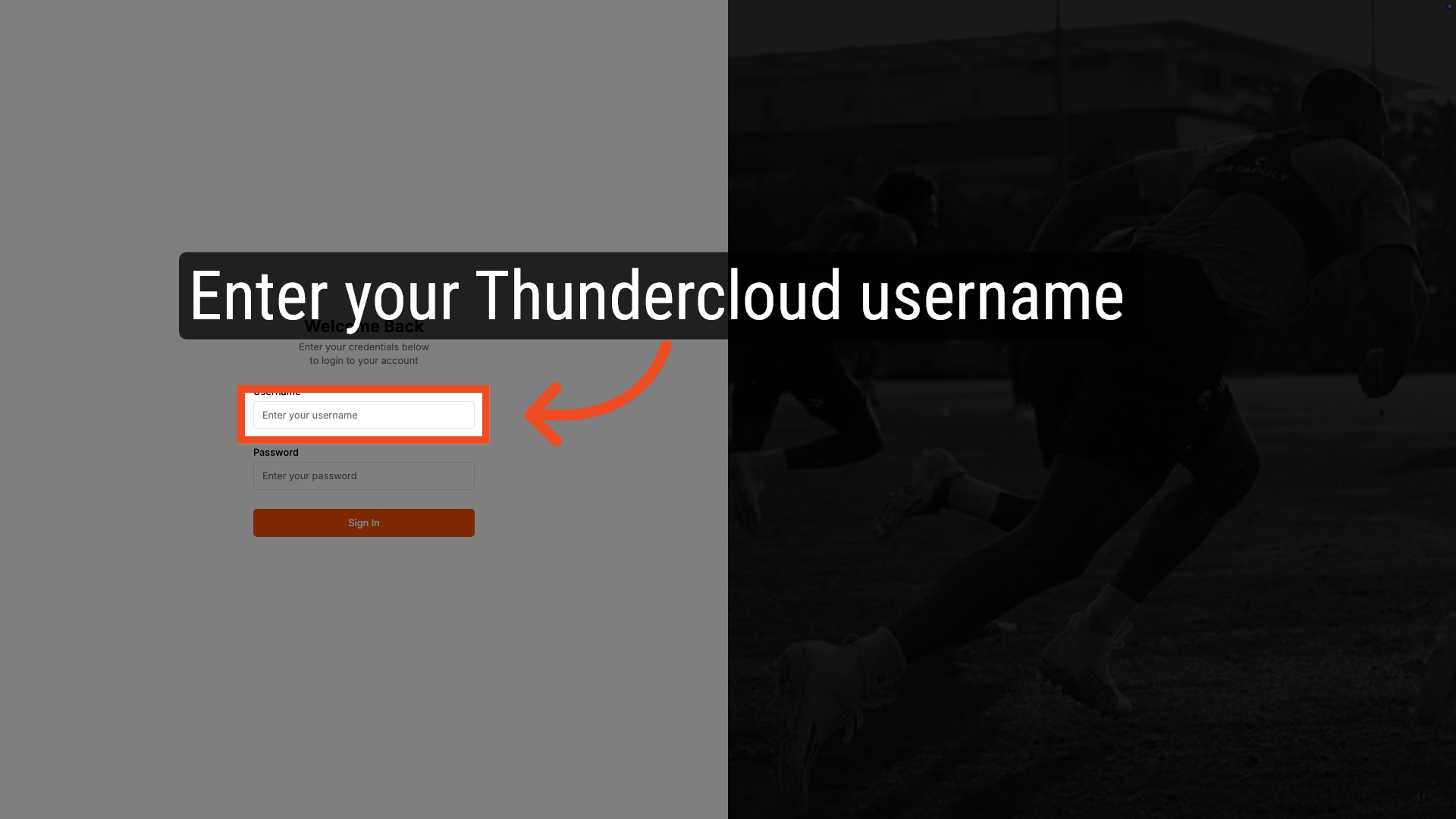
2. Enter your Thundercloud username
First, enter your Thundercloud username.
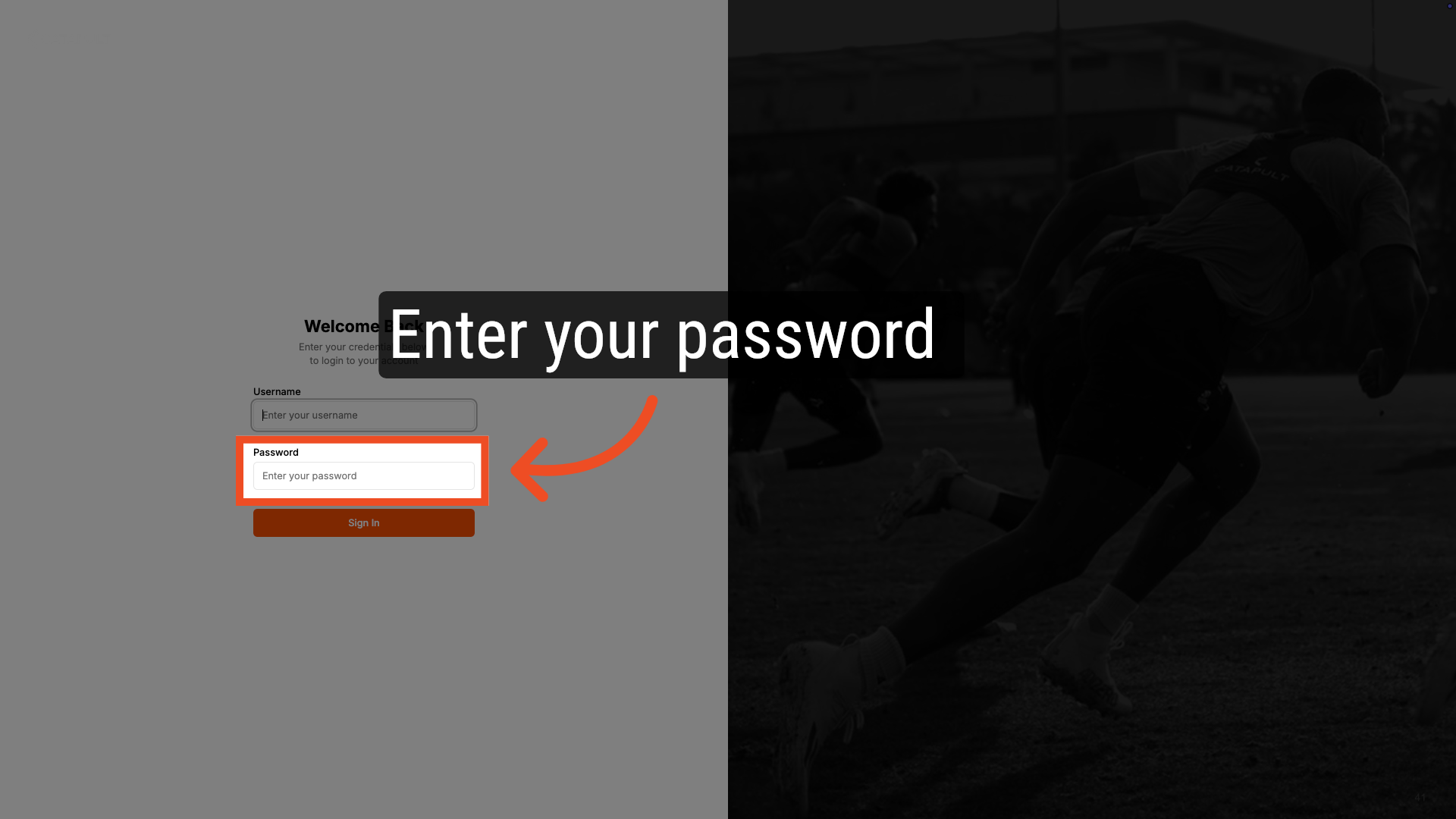
3. Enter your passwords
Next, enter your password.
4. Click Sign In
Click sign in to start the login process.

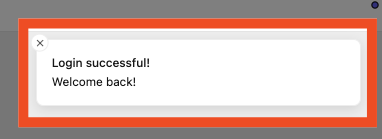
5. Login Successful
After logging in, you'll receive a success message.
Comments
0 comments
Please sign in to leave a comment.